|  TRichView in Applications TRichView in Applications | |

Product Page: TreeDBNotes Pro
Developer: MyTreeDB.com
License: Shareware
Interface: Multilingual.
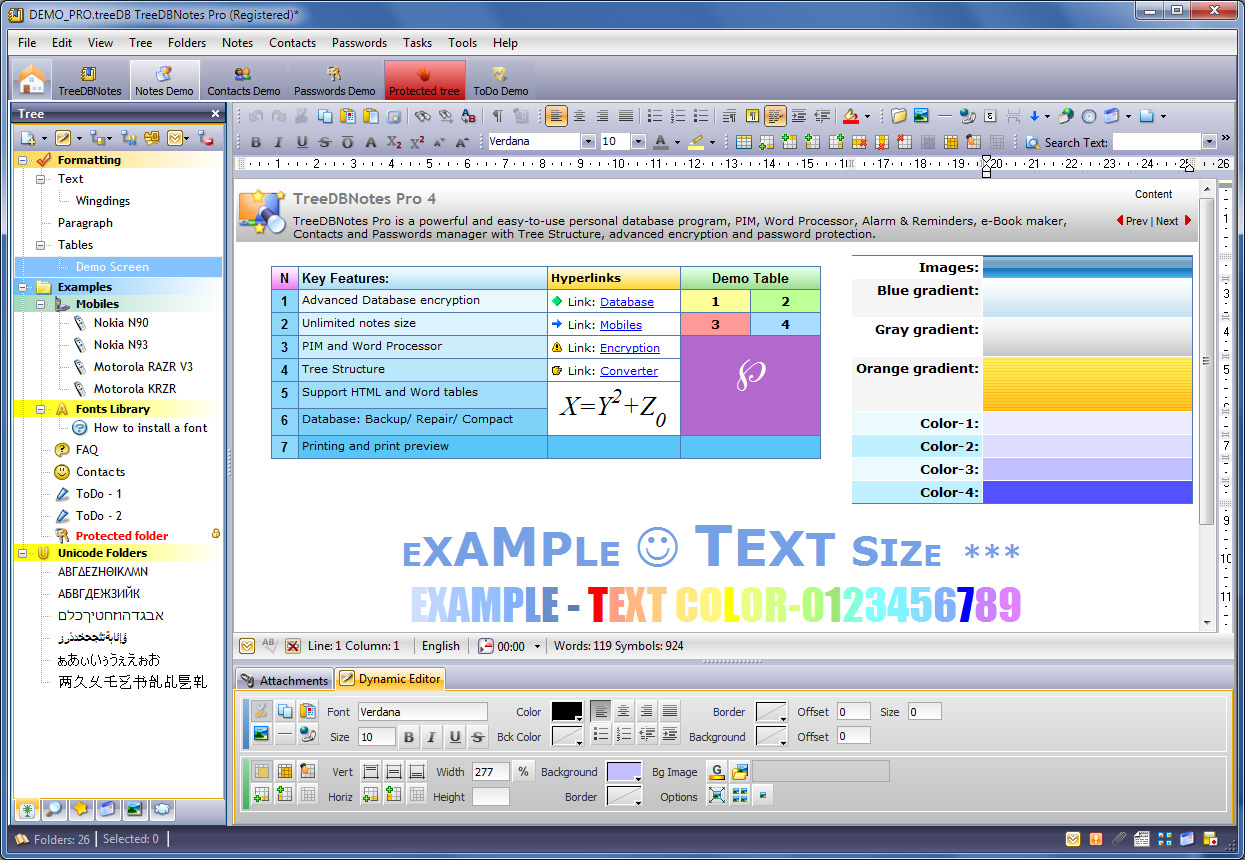
TreeDBNotes Pro is a powerful and easy-to-use personal database program, PIM, Word Processor, Alarm & Reminders, Contacts and Passwords manager, e-Book maker with Tree Structure, advanced encryption and password protection.
Editing notes. TRichViewEdit is used as an editor
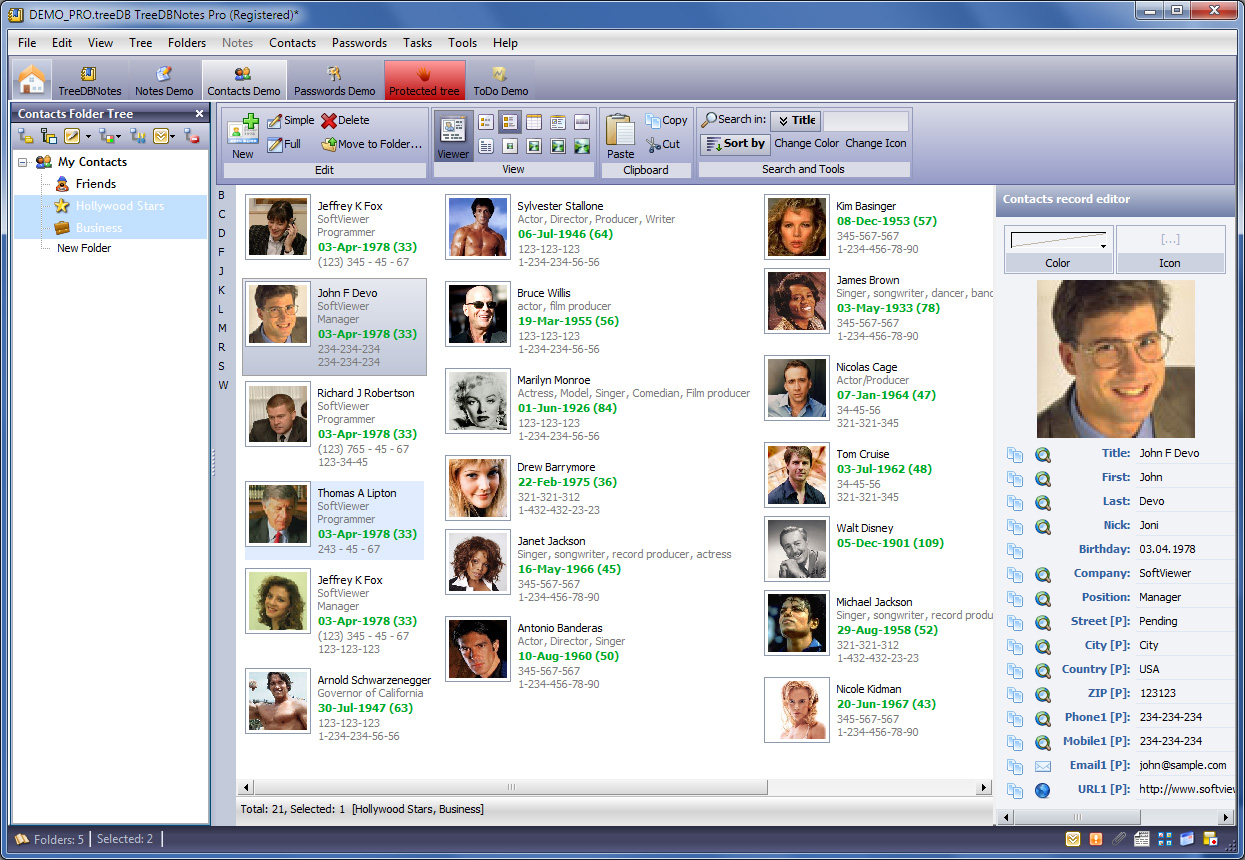
Contacts Manager
TreeDBNotes Pro stores and represents your information in a comfortable and clear tree-structured form. Each node in such 'tree' represents an associated note, so you can store many mostly independent notes in one notebook. With any note, you can perform the main WordPad-like text-formatting functions (font, color, size, background color, symbols) plus insertion of tables, images. The powerful Table Editor (Insert, Edit, Delete Tables; Insert or Delete Rows/Columns; Edit Cell colors) is easy to use while giving a professional look.
Disclaimer: This application is listed here because it uses our programming library. We are not the developers of the applications listed in this section of the web site (unless explicitly stated). Contact information of the developer of this application is at the beginning of this page. Please address all support or sales questions regarding this application to the developer.
We are trying to keep information in this section of our site up to date. But applications are evolving, and some information or graphics may be obsolete. Visit the application's site for the actual information.
|