|  Delphi/C++Builder/Lazarus Controls in TRichView Delphi/C++Builder/Lazarus Controls in TRichView | |
Controls
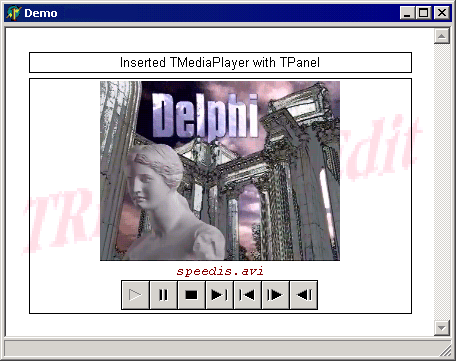
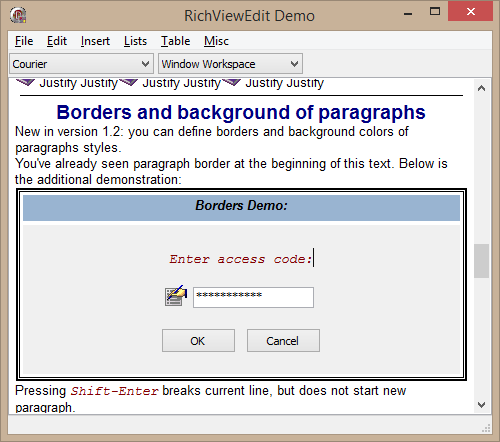
Documents with inserted Delphi controls is a unique feature of TRichView.
You can insert any Delphi control and it will work just like on a form (with one exception – it will be positioned in a proper place inside the document by the TRichView).
Documents with inserted controls (with all their published properties) can be saved in files or database fields in a special format (RichView Format) or
XML.
TRichView provides events so that programmers can write code for exporting controls to RTF, DocX and HTML, and printing.
Resizing
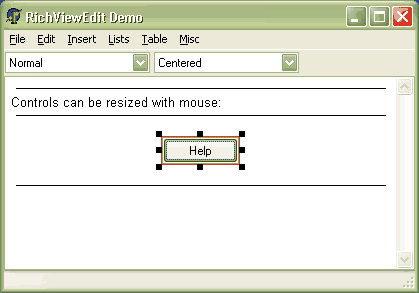
Optionally, Controls can be resized with the mouse:
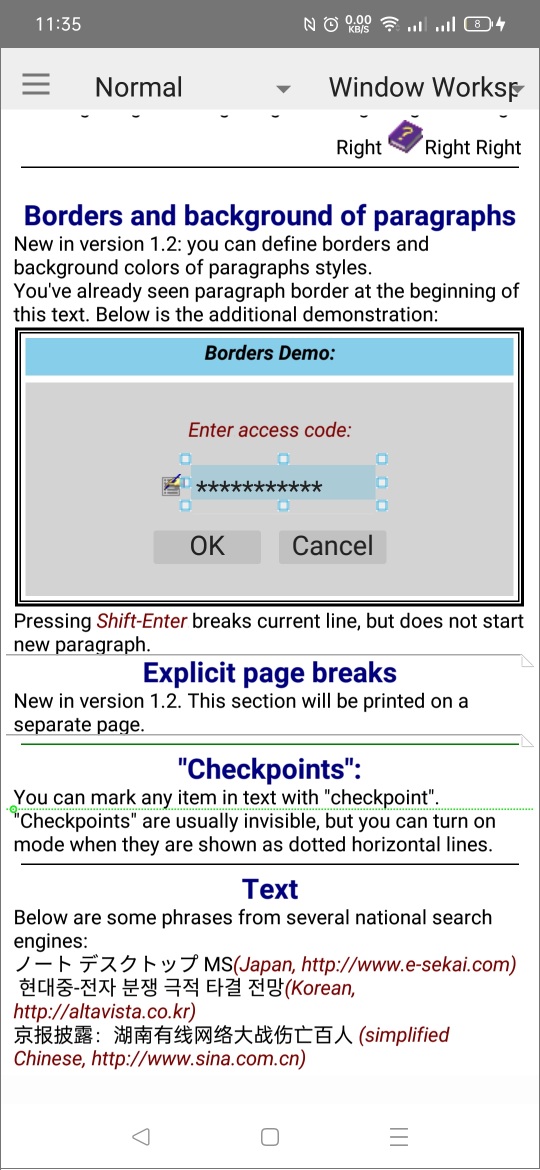
Or they can be resized using finger gestures (on touch screens):
Additional Information
Demos
An editor with ability to insert TButton, TEdit, TOLEContainer controls: Demos\*\Editors\Editor 1\
A compiled demo project is included in “TRichView Showcase”
Tutorial (tutorial 1, project 4): Demos\*\Tutorial\
Additional Information from the Support Forum
In the examples with AVI, SWF and WAV, media files are stored directly in document (in RVF format).
See Also
Delphi/C++Builder/Lazarus Controls in ScaleRichView
|